
// archive
Category: PowerApps
-
Excuse me! API limits for Microsoft Power Platform Dataverse & Dynamics 365 (2023 Edition)
API limit for Microsoft Dataverse Microsoft writes that the Microsoft Dataverse API limit helps ensure service levels, availability, and quality. This is regarding best practice architecture on using external APIs and good programming design…. Let me explain. (updated 08/12-2023 with latest info) The first thing to acknowledge is that two limitations serve two purposes. Microsoft…
-
Now it is time to be Curious about Power Platform Environment Variables!
Power Platform Environment Variables are typed, solution-aware configuration values that change between Dev/Test/Prod without code edits — connection strings, SharePoint URLs, feature flags, and secrets you’d otherwise hard-code into a flow or canvas app. TL;DR: Use environment variables for any config that differs per environment. Stored in Dataverse, six types as of 2026 (Text, Number,…
-
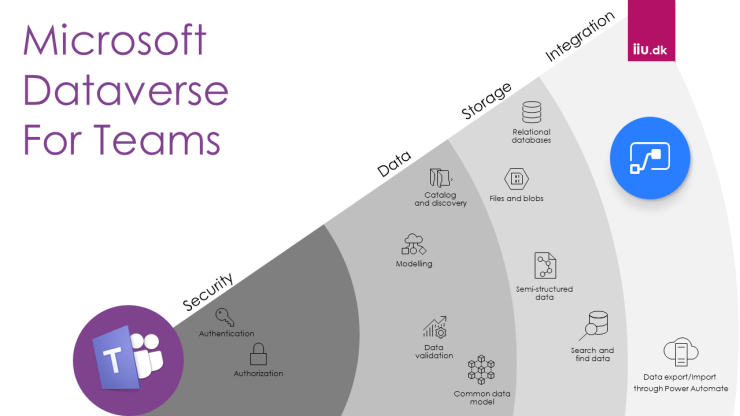
What is Microsoft Dataverse for Teams (for Teams and beyond)
Microsoft Dataverse for Teams is a free, scoped-down Dataverse that lives inside a Team — built for citizen developers building apps, flows, and bots without leaving Teams. Upgrade to full Dataverse when you need more than 1M rows, premium connectors, or cross-team sharing. TL;DR: Dataverse for Teams = free, Teams-scoped. Full Dataverse = paid, tenant-wide.…
-
Excuse me! API limits for Microsoft Power Platform Dataverse
API limit for Microsoft Dataverse Read my updated post on this topic here: https://iiu.dk/2023/12/08/excuse-me-api-limits-for-microsoft-power-platform-dataverse-dynamics-365-2023-edition/ Microsoft writes that the Microsoft Dataverse API limit help ensure service levels, availability, and quality. For me, this is regarding best practice architecture on how to use external APIs and good programming design…. let me explain. ( updated 27/8-2022 with latest…
-
Power Platform App Maker: Exam prep guide PL-100
Power Platform App Maker So, there is a new bunch of Microsoft Power Platform certification out and it is, therefore, time to either take the opportunity to learn or to prove that you know, the latest Power platform stuff. As always old certification will be deprecated and new will take their place …so… ready, set,…
-
Power Platform Hands-on Learning
Power Platform X “in a Day” Power Platform training is usually a one-day interactive workshop (now mostly held virtually, due to covid-19) where you learn how to create custom applications for your business without using a single line of code with the use of the Microsoft Business Application Platform components like Power Apps, Power Automate,…
-

Data Integration architecture for Microsoft Dataverse, Dynamics 365, and PowerApps
Pick the integration pattern by trigger and volume: Dataflows for scheduled batch, Power Automate / Logic Apps for API-triggered events, Power Automate Desktop for RPA against legacy UIs, and Synapse Link for analytics-scale Dataverse export. TL;DR: Four patterns, one decision: batch vs API vs RPA vs analytics. Below is when to use each, with the…
-
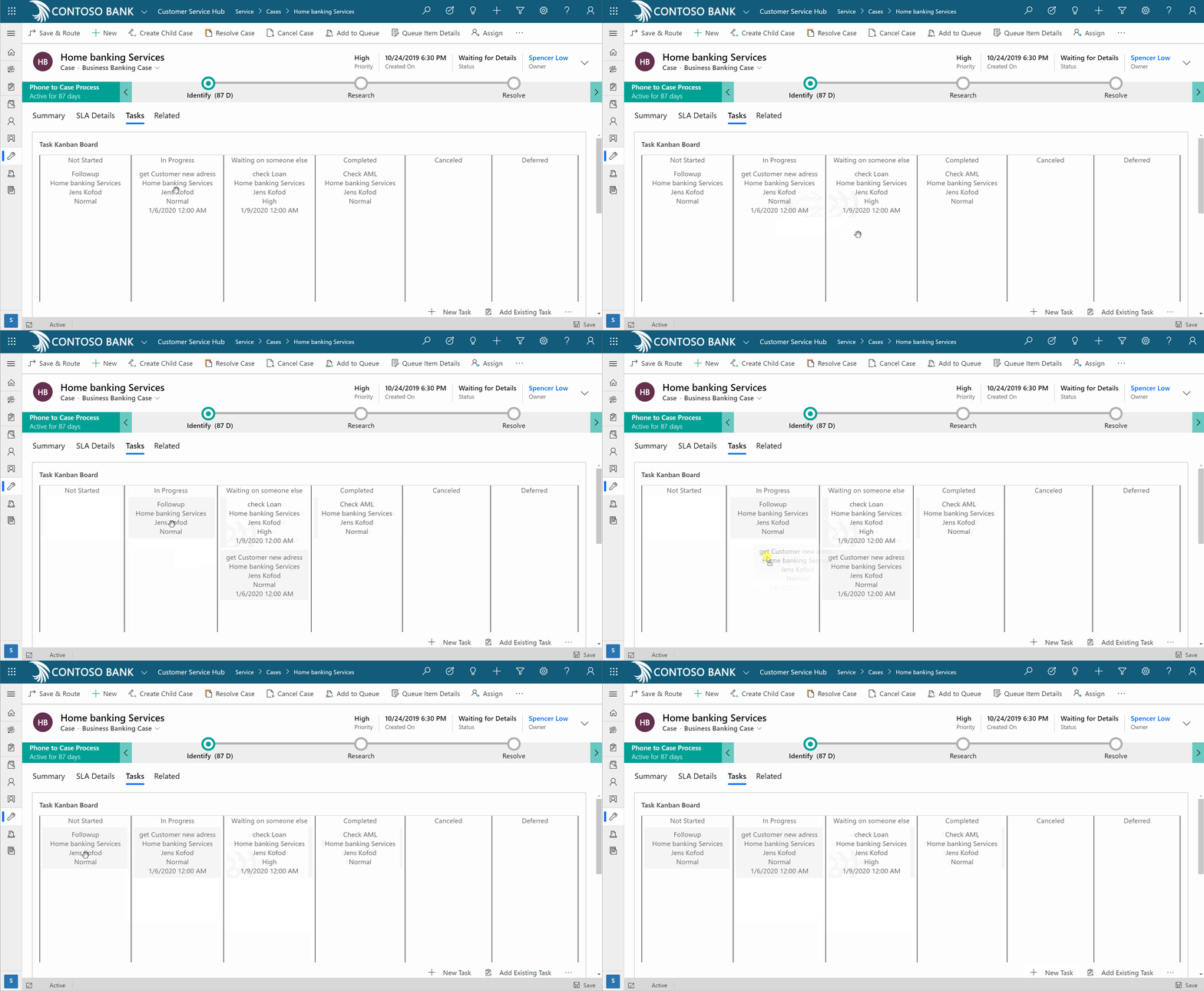
Powerapps Control Framework – Turn Task list into Kanban Board
Powerapps Control Framework There is no better way to plan your tasks and projects than using Kanban boards if you ask me. A Kanban board is basically a visual representation of your project and your team’s overall progress . For many entrepreneurs, applying Kanban for task management is one of the most effective ways to…
-
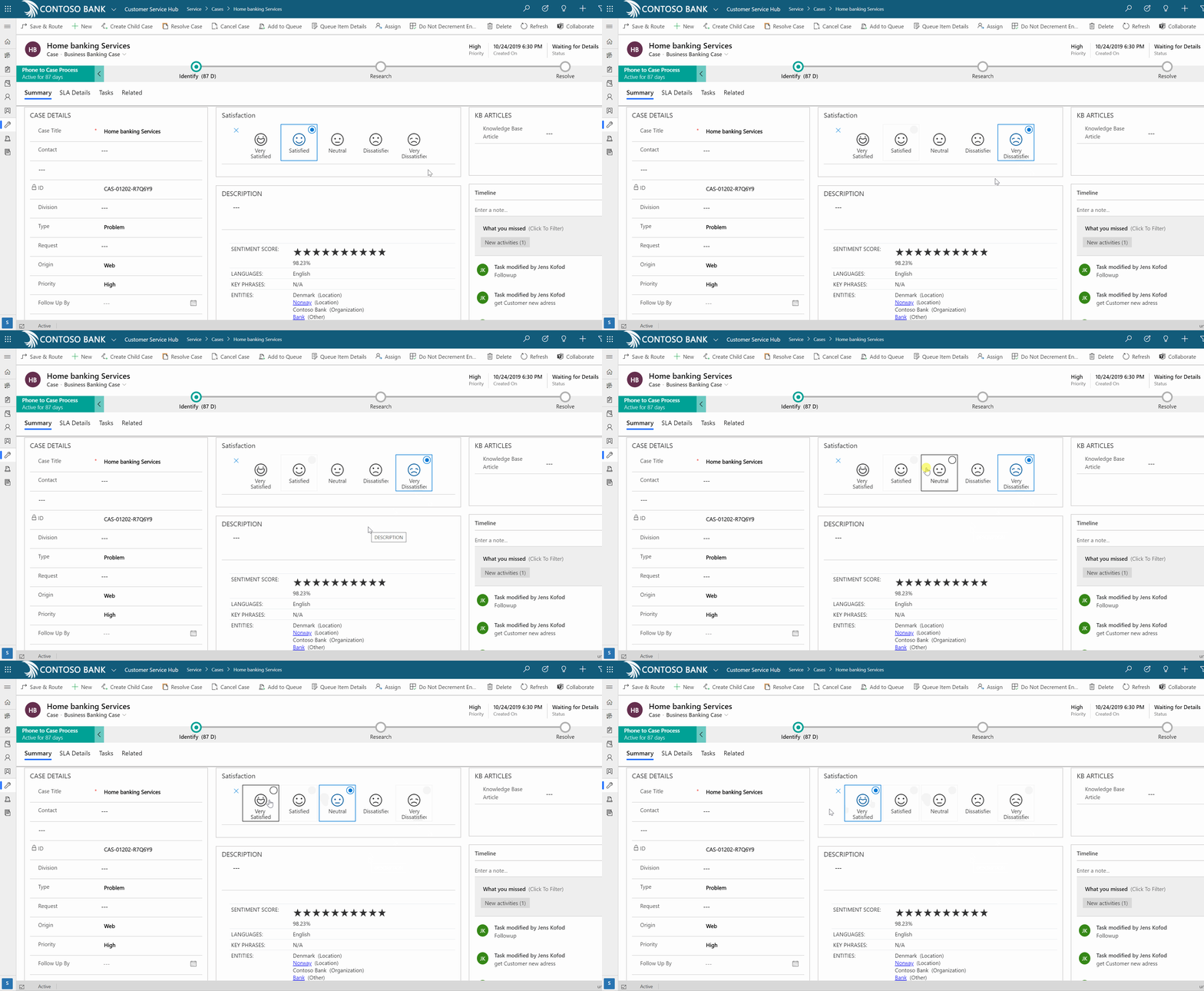
PowerApps Control Framework – Turn Option set into an Icon list
PowerApps Control Framework This Cool Power app Custom components (PCF) let you transform the Option set into an Icon list. “A picture is worth a thousand words” is an English language adage meaning that elaborate descriptions or ideas can be conveyed by a single simple image, which carries its meaning or essence more effectively than a…
-

Exam prep guide PL-900: Microsoft Power Platform Fundamentals
PL-900 covers four domains — Power Platform business value, Dataverse, Power Apps, and Power Automate — with smaller weights on AI Builder and Power Pages. It’s a 60-minute, multiple-choice exam aimed at non-developers proving baseline literacy. TL;DR: Pass PL-900 by mastering the four domains below — heaviest weighting is the business value of Power Apps…
-
PowerApps component framework (PCF)
PowerApps Component Framework (PCF) lets pro developers build custom, reusable UI controls for model-driven and canvas apps using TypeScript and React — replacing legacy iframe web resources with framework-native components that respect theming, accessibility, and performance budgets. TL;DR: PCF = React/TypeScript controls that drop into Power Apps. Use it instead of iframes. Build with pac…
-
PowerApps Pen Input – Have issues? Problem solved! (Sharepoint and Dataverse)
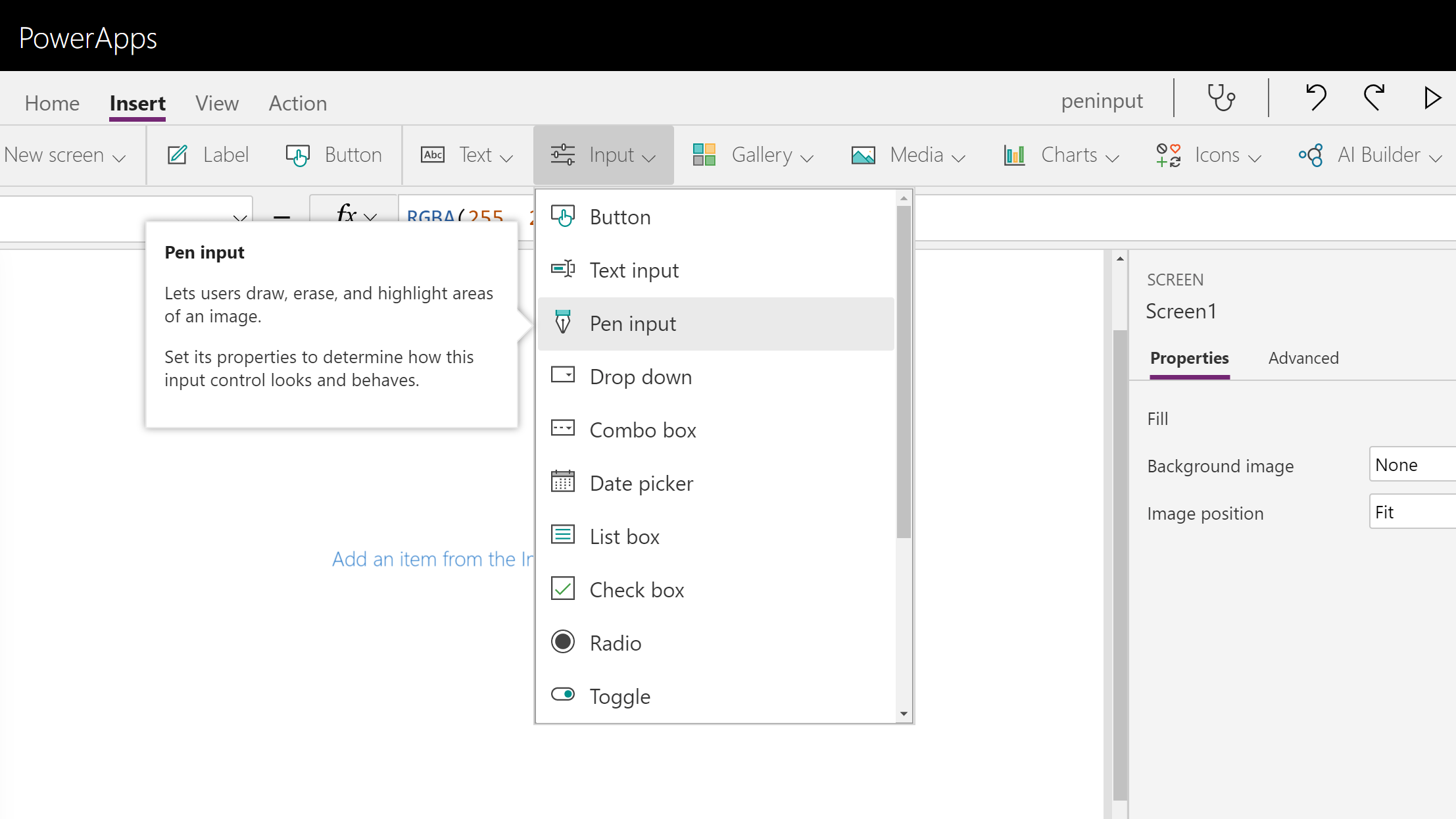
PowerApps Pen Input PowerApp “Pen input” control is different, like way more different than fx. Camera control. For the untrained eye that tries to extract its image, it seems that you only get access to a local blob storage URL (appres://blobmanager/). A ton of blogposts has more or less Complex descriptions on how to partly…
-
How to Automate Security Role Assignment With Microsoft Teams
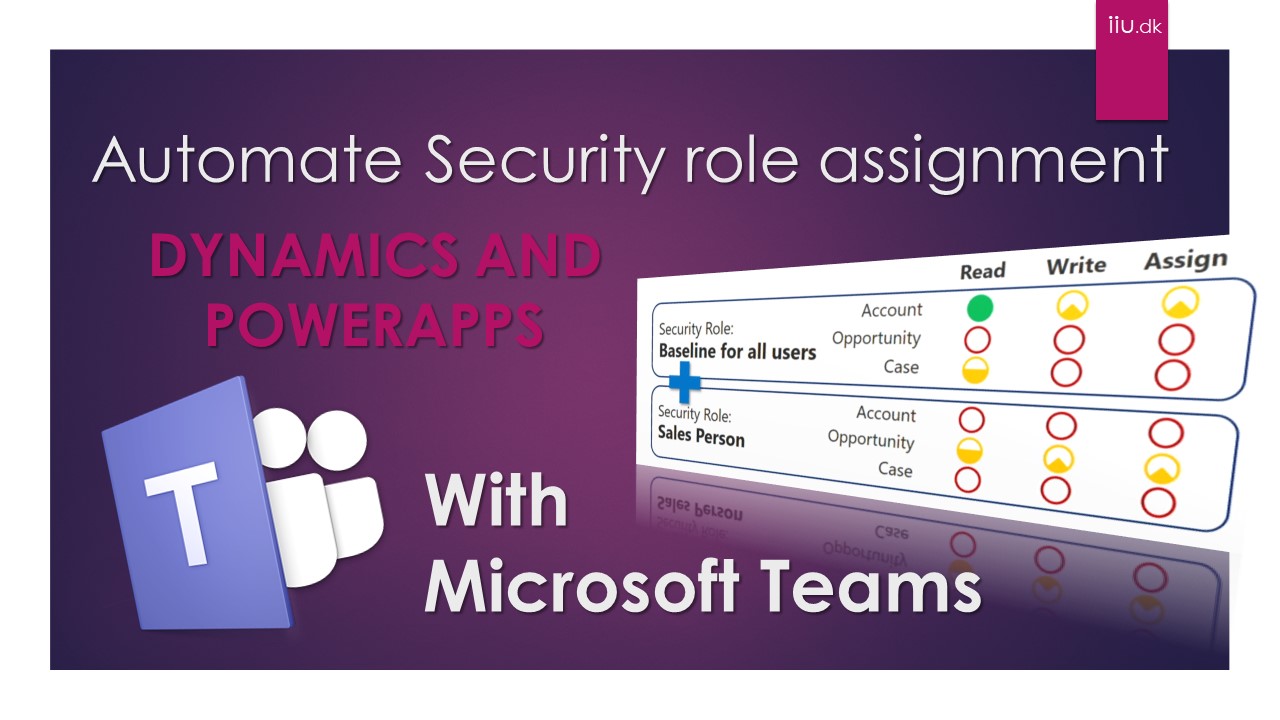
Why not delegate the responsibility for assigning Dynamics/PowerApps/CDS security role to people outside of IT to get it closer to the people that actually are using the apps. ( if possible then why not ) How to Automate Security Role Assignment Why not have a security role assignments in Dynamics/PowerApps/CDS connected with Microsoft Team Teams…
-

How to Automate Dynamics/PowerApps Security Role assignment
Let us squeeze this lemon to automate as much as possible of the tedious work regarding the administration of a Dynamics 365 Customer Engagement or PowerApps. The most natural tedious work to automate with the most significant impact will be the Security Role assignment if you ask me so let us explore how to automate…
-
How to Automate License & Security Role assignment in 2 Easy steps
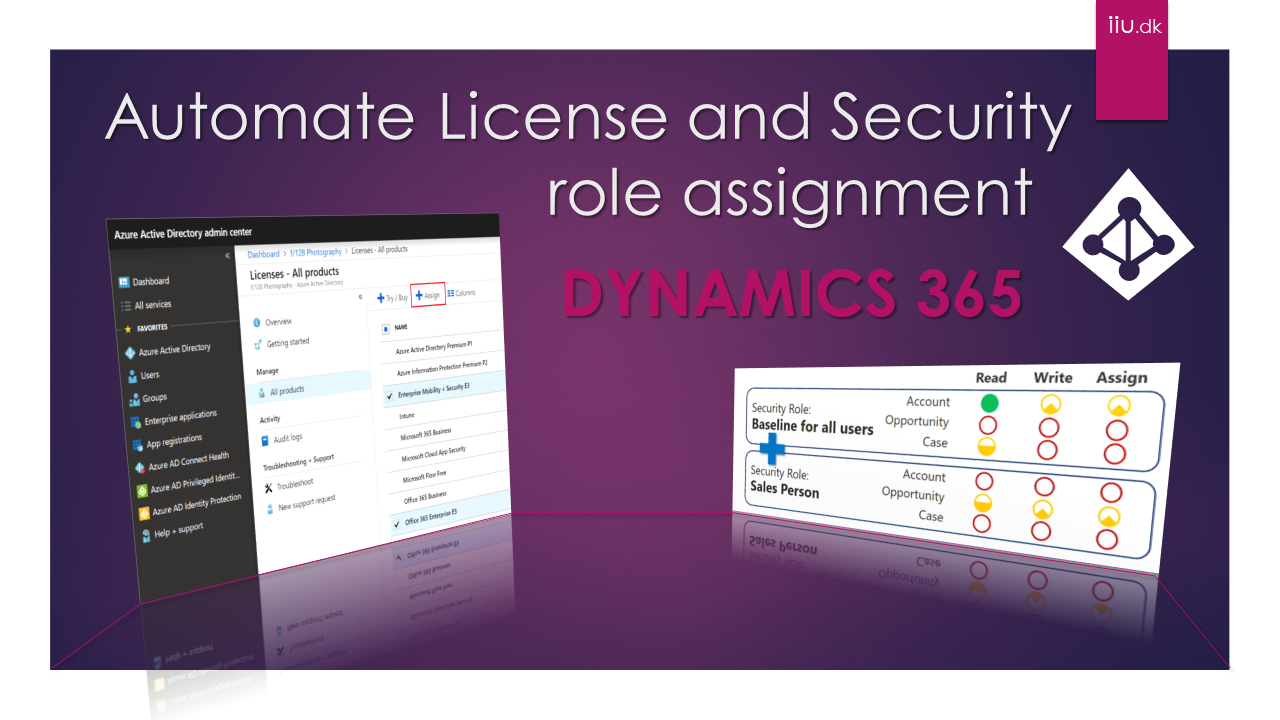
Automate License & Security Role assignment Let us squeeze this lemon to automate as much as possible of the tedious work regarding the administration of a Dynamics 365 Customer Engagement or PowerApps. The most natural tedious work to automate with the most significant impact would be Security and license assignment if you ask me. But…